
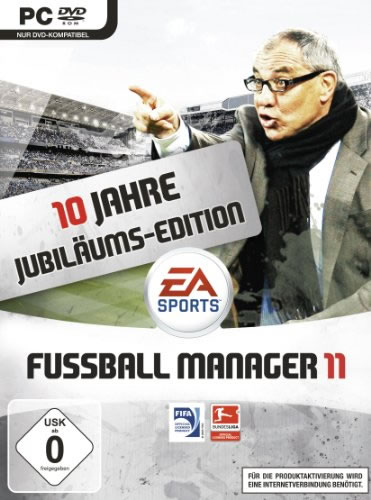
Auch wenn sich die Zahl 11 beim Fußball natürlich meist auf die elf Mann einer Mannschaft bezieht, ist doch im Falle von Fussball Manager 11 das Jahr gemeint, zu dem dieser Titel erschien. Tatsächlich kam der FM11, wie er auch kurz genannt wird, zwar schon im Oktober 2010 auf den Markt, galt aber natürlich für die neue Saison, die erst 2011 einen Abschluss finden sollte. Der Titel gehört zur Reihe der Fußball Manager von Electronic Arts, die schon in den neunziger Jahren ihren Anfang genommen hat. Auf dem deutschen Markt ist es Trainer Felix Magath gewesen, der vorne auf dem Cover abgebildet wurde. Spielerisch hat sich mit dem neuen Spiel einiges getan.
FM11 Veränderungen zum Vorgänger
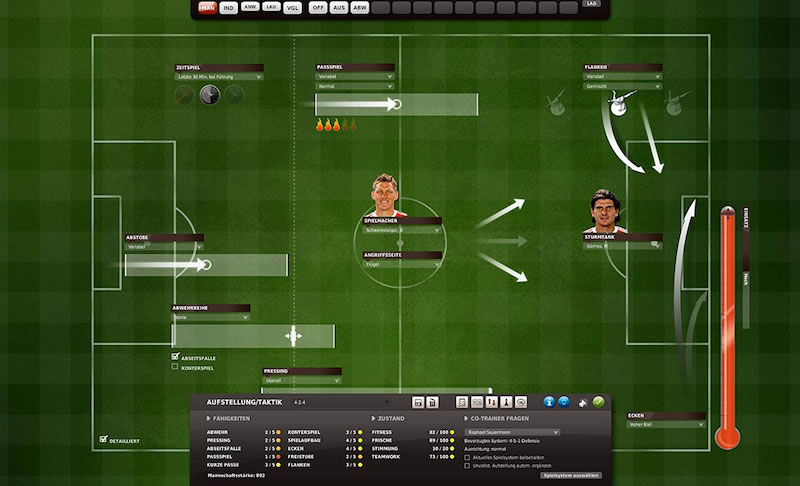
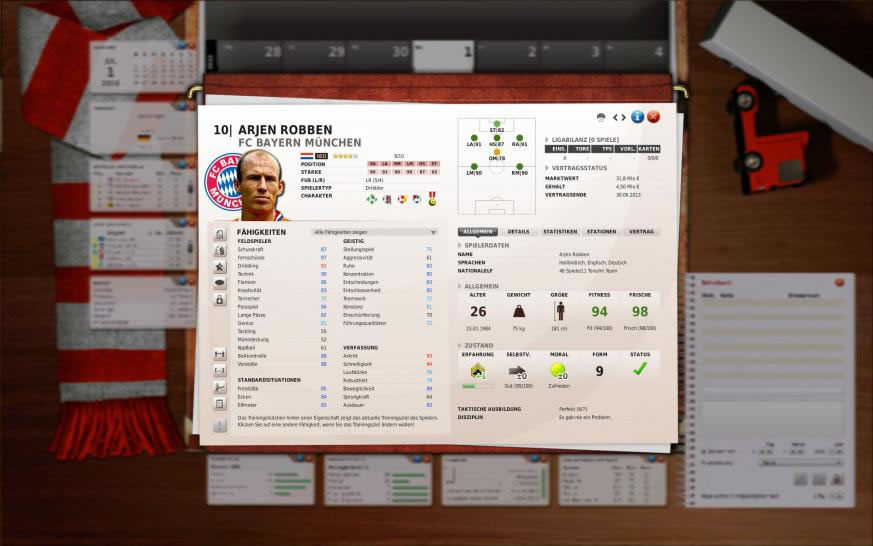
Die Fussball Manager Spiele von EA gehören zu einer Reihe, sodass jedes Jahr ein neuer Teil erscheint. Die Frage ist also vor allem auch immer, welche Neuerungen und Veränderungen es zum Vorgänger gibt. Im Falle von FM11 sind das durchaus einige. Fokus legten die Entwickler von Bright Future auf das Stärkesystem, wie also die Spieler eingestuft werden. Das geht im FM11 für jede Position einzeln. Eine größere Rolle spielt zudem auch die Erfahrung eines Spielers. Auch wurde das Menü für die Taktik angepasst, sodass einfacher Umstellungen gemacht werden können.
Auf dem Transfermarkt wurde es spannender, da Transfers im FM11 besser geplant werden können. Durch Vorgespräche oder positive Erwähnungen in der Presse können Spielertransfers beeinflusst werden, was ein zusätzliches taktisches Element in diesen Bereich bringt. Neu war auch die Einführung von Premium Möglichkeiten, die über den EA Store erworben werden können. Auf den Markt kam der Fussball Manager 11 in drei verschiedenen Versionen und erhielt insgesamt recht positive Kritiken.
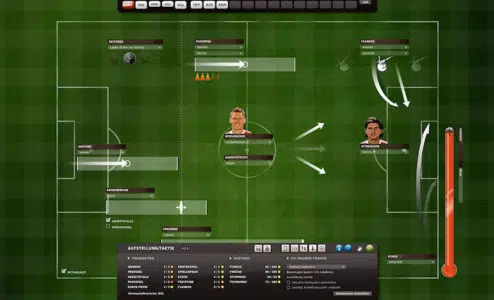
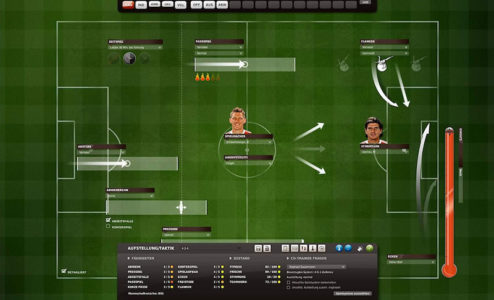 Die Aufstellung für das nächste Spiel festlegen
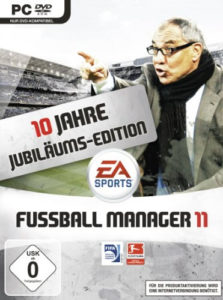 Spielcover des EA Fussball Manager 11
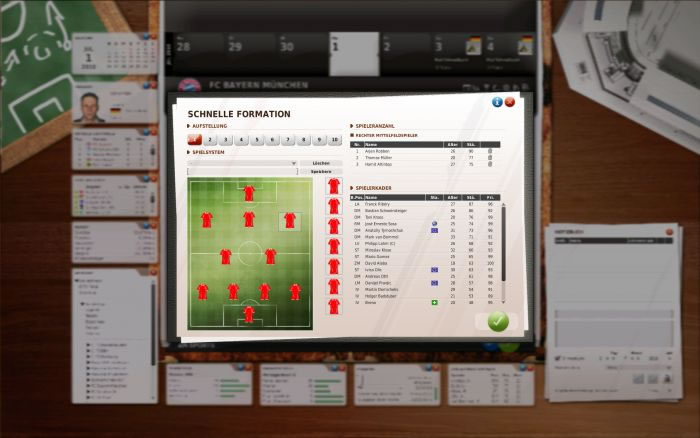
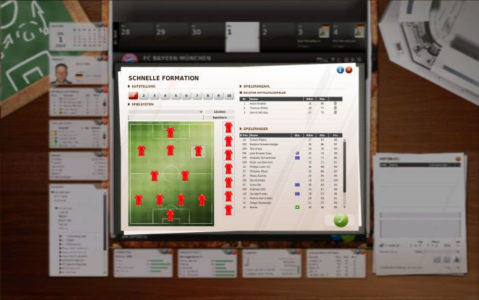 Die Formation der Fußballmannschaft auswählen
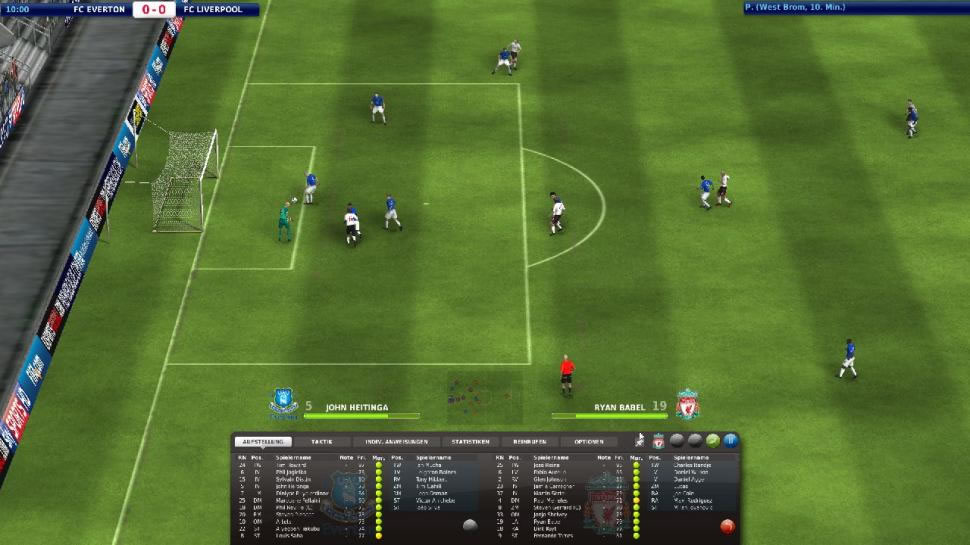
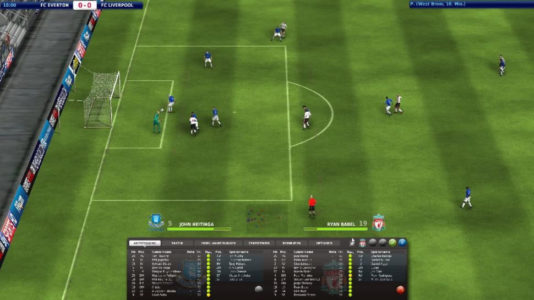 Ein Livespiel im FM11
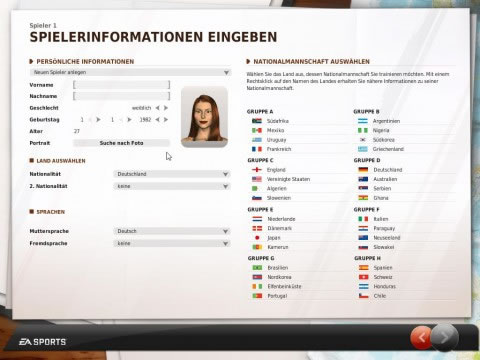
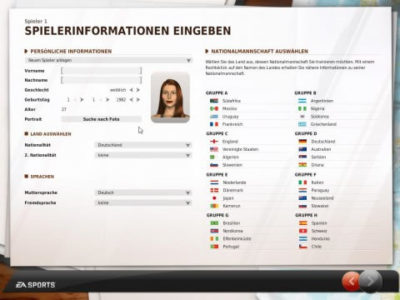 Den Manager für den FM11 anlegen
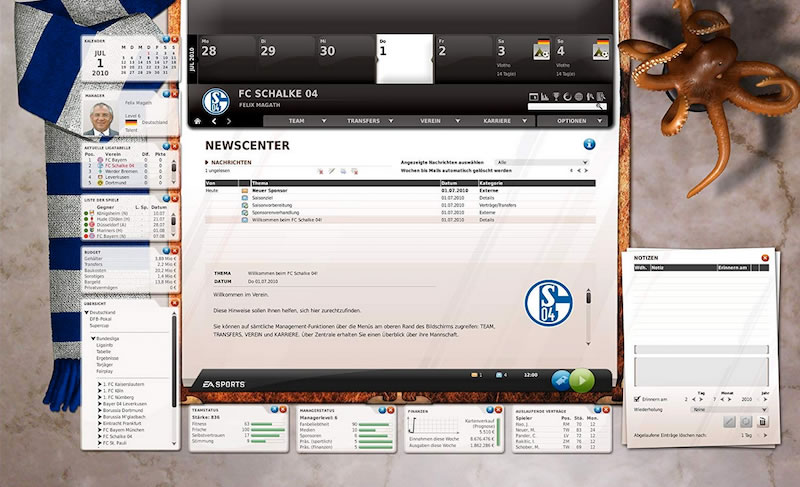
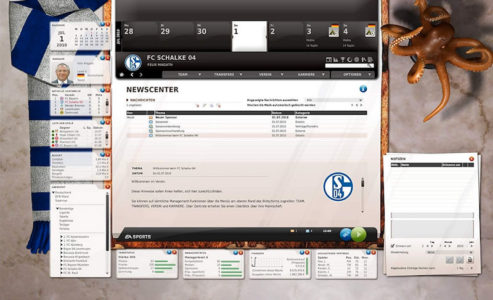 Das Newscenter, die Zentrale im Fussball Manager 11
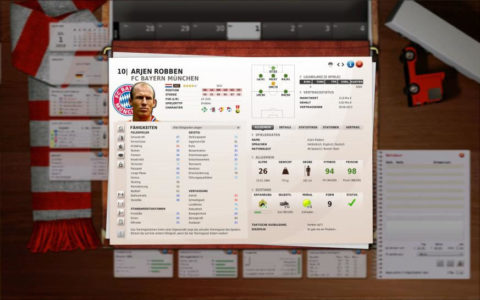 Die Details der Spieler ansehen
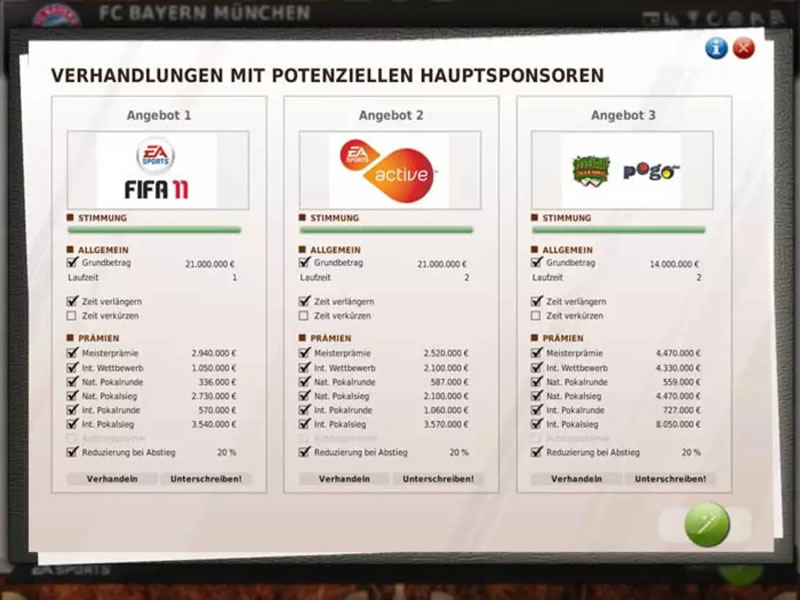
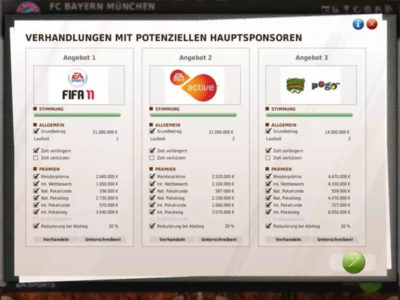 Verträge mit Sponsoren abschließen
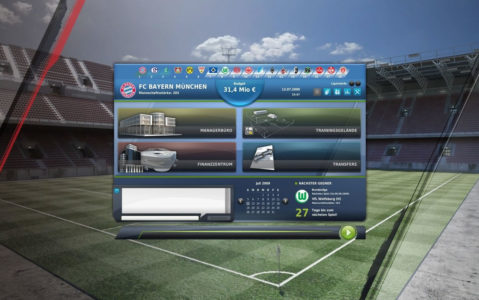 Der Stadionbau im Fussball Manager
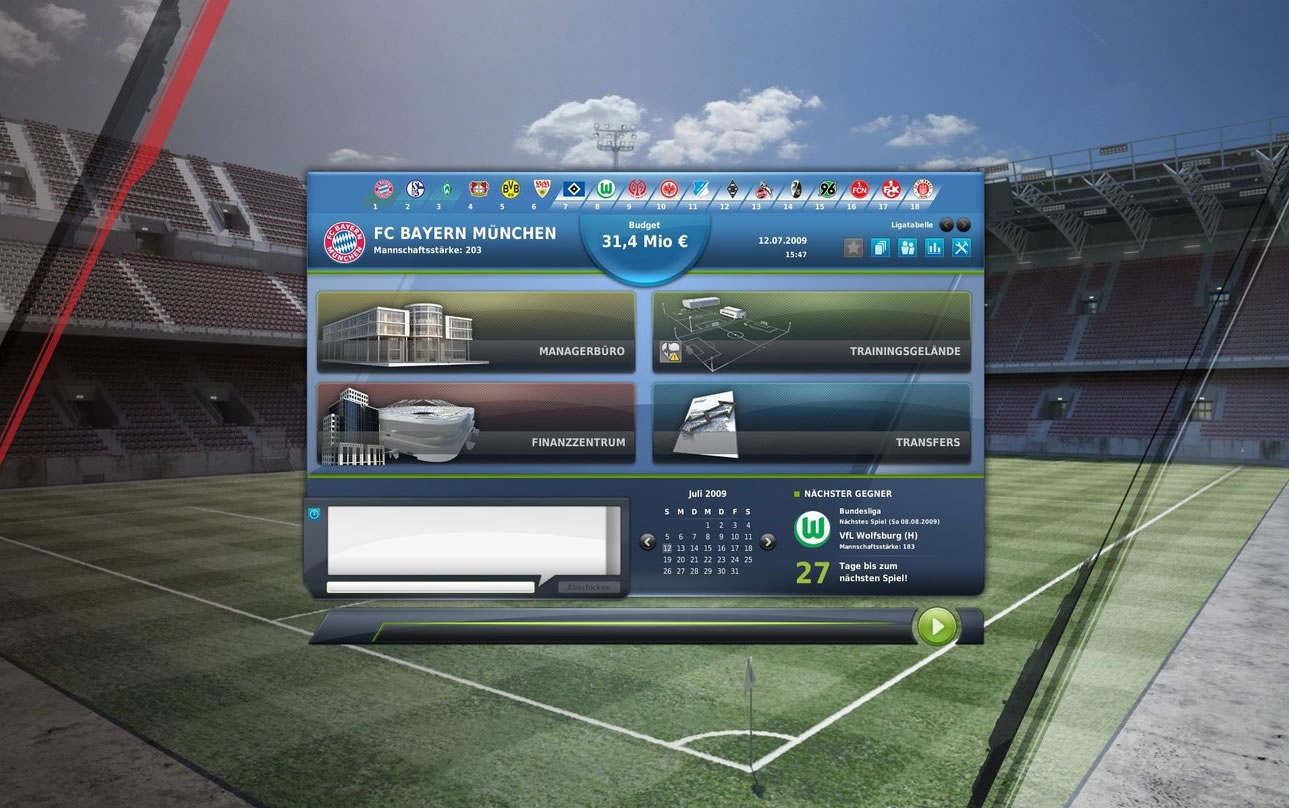
 Der Startbildschirm bevor es mit dem Spiel los geht
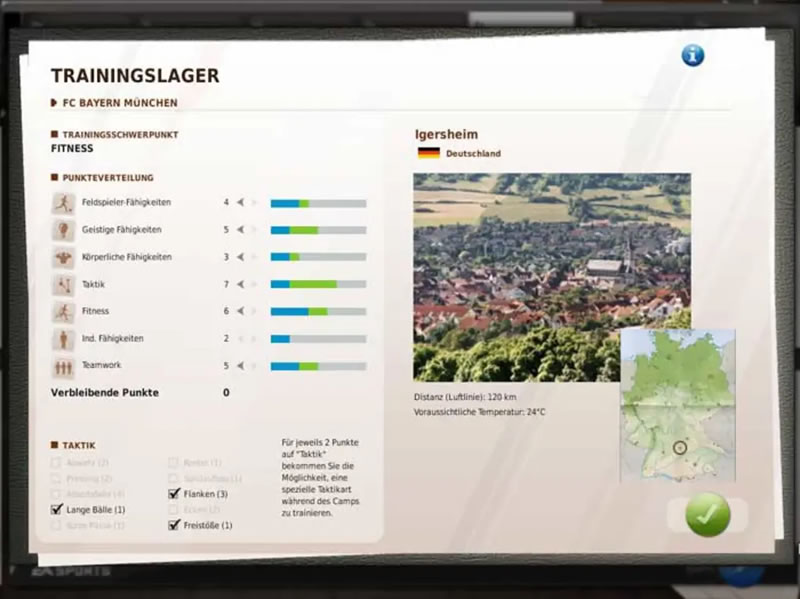
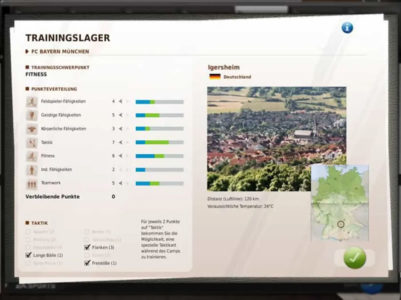 Ein Trainingslager für die Mannschaft aussuchen


Features und Funktionen – Spielbeschreibung zu Fussball Manager 11
Schon der Titel sagt es aus, worum es in diesem Spiel geht. Der Spieler übernimmt im Fussball Manager 11 die Rolle eines Managers. Der Begriff wird tendenziell eher im englischen Fußball verwendet und beschreibt eine Doppelfunktion, sodass der Spieler sich einerseits um die sportlichen Belange des Vereins kümmern muss, ebenso aber auch um wirtschaftliche Aspekte. Nur wenn diese beiden Mechanismen gut ineinandergreifen, kann der Verein zu großen Erfolgen geführt werden. In dem Spiel kann also jeder Sofatrainer beweisen, dass er es wirklich besser weiß. Das Spiel erschien Ende Oktober 2010.
Die Wettbewerbe in FM11
Die große Stärke von EAs Manager Reihe bestand auch schon immer in den Lizenzen, sodass mit offiziellen Mannschaften und Ligen gespielt werden kann. Das ist auch im Fussball Manager 11 (FM11) der Fall. In Deutschland können Teams bis zur Oberliga übernommen werden. Abgesehen davon gibt es aber auch viele internationale Ligen, natürlich auch die großen aus England, Spanien und Italien. Entsprechend kann der Spieler auch in der Premier League, der Primera Division und auch der Serie A seine Erfolge feiern.
Vom Training zur Aufstellung im FM11
Wesentlicher Kern des Managerspiels ist der sportliche Bereich, der beim Training beginnt und bis zur Aufstellung reicht. Täglich wird trainiert und der Spieler muss entscheiden, worauf er den Fokus legt. Beispielsweise auf Schusstraining oder doch lieber Kondition? Steht dann ein Spieltag an, muss die Aufstellung bestimmt werden. Im FM11 hat der Spieler viele Freiheiten, kann defensiv, aber auch offensiv agieren lassen und natürlich auch den nächsten Gegner analysieren.
Die Spieltage im Fussball Manager 11
Alles Training läuft stets auf einen Spieltag hinaus. Es gibt einmal den Alltag der Liga, dann aber natürlich auch noch die verschiedenen Pokalwettbewerbe wie den DFB Pokal oder auch die Champions League. Vor einem Spieltag im Fussball Manager 11 muss der Spieler seine Aufstellung festlegen. Der Spieltag selbst kann dann auf verschiedene Weise ablaufen. Entweder über einen Ticker, der die wichtigsten Spielszenen beschreibt, oder aber auch über ein Match in 3D-Grafik. Natürlich ist es auch möglich, sich einfach nur die Ergebnisse anzeigen zu lassen.
Einnahmen durch Stadion und Sponsoren im FM11
Geld kann auf dem Transfermarkt zur Genüge ausgegeben werden, ebenso kosten natürlich auch die aktuellen Spieler schon Gehälter und das Personal will auch nicht nur aus Nächstenliebe für den Verein tätig sein. Einnahmen müssen also her. Auch im Fussball Manager 11 werden Einnahmen hauptsächlich aus Stadioneinnahmen und Sponsorengeldern generiert. Je attraktiver der Fußball, desto mehr Leute kommen auch ins Stadion, weshalb das auch ausgebaut werden muss. Gute Ergebnisse führen aber auch zu besseren Angeboten von Sponsoren.
FM11 Transfermarkt und Jugendarbeit
Die Mannschaft trainieren und für den nächsten Gegner einzustellen, ist die eine Sache. Doch eine Mannschaft muss auch verstärkt werden, wofür es letztendlich zwei verschiedene Möglichkeiten gibt. Die Jugendarbeit ist eine Kunst für sich. Hier werden junge Spieler direkt im Verein trainiert und bringen hoffentlich genug Talent mit, um in die 1. Mannschaft zu kommen. Auf dem Transfermarkt muss viel Geld ausgegeben werden, zudem sind auch Verhandlungen notwendig. Hier hat FM11 (Web: fm11.de) noch einmal eine Schippe zum Vorgänger draufgelegt.
Premiumfunktionen vom Fussball Manager 11
Erstmals hat EA mit dem FM11 auch einen Premium Service angeboten. Der lief über den EA Store, der zusätzliche Inhalte für das Spiel bot, die für Echtgeld gekauft werden konnten. Notwendig waren diese Erweiterungen jedoch nicht. Beispielsweise bot eine Premium Erweiterung die Möglichkeit, alle Spieler während eines Live-Spiels zu steuern.
Die Fußball Manager Reihe
Die Reihe begann offiziell im Jahr 2001 mit dem Fussball Manager 2002. Allerdings hat es auch schon zuvor Spiele gegeben, die als Vorgänger betrachtet werden können. 1997 gab es den FIFA Soccer Manager, kurz darauf erschien Bundesliga 99 – der Fussball-Manager, der zwei Fortsetzungen nach sich zog. Mit FM2002 sollte also ein Neustart gemacht werden, der letztendlich auch glückte. Viele Jahre in Folge gab es Fortsetzungen, die immer wieder neue Ideen einbrachten.
Systemvoraussetzungen des EA Fussball Manager 11
Bevor es mit dem FM11 losgehen kann, muss noch überprüft werden, ob die Mindestanforderung des Spiels vom Computer erfüllt werden. Allerdings ist der Fussball Manager 11 recht sparsam, was die Systemvoraussetzungen angeht, sodass es selten Probleme geben dürfte.
Betriebssystem: Microsoft Windows XP SP3, Windows Vista SP2, Windows 7
Prozessor: Intel Pentium 4 2,4 Ghz oder gleichwertiger AMD Prozessor
RAM: 1 GB RAM
Benötigter Festplattenplatz: 8 GB frei
Unterstützte Grafikkarten: Nvidia GeForce 6600 oder ATI Radeon 9500 Pro mit Shader-Modell 2.0
DirectX: 9.0c kompatible Soundkarte
Fazit zum Fussball Manager 11 Test
Wer die Vorgänger mochte, wird mit Fussball Manager 11 seinen Spaß haben. Insgesamt gibt es auch bei diesem sicherlich ein paar Ecken und Kanten, die noch geschliffen werden könnten, aber das Gesamtbild stimmt. Wer Manager-Spaß haben will, wird mit dem FM11 genau das bekommen. Die Mannschaften werden trainiert, Spieler gekauft und Aufstellungen beschlossen. Alles ist optisch gut dargestellt. Der Teil brachte zudem wichtige und interessante Neuerungen, wozu auch die Überarbeitung der Spielerstärken gehört. Fans der Reihe oder des Genres können also bedenkenlos eine Runde spielen.